Get complete visibility of your IT landscape
Discover your IT assets and keep your CMDB and asset registers up-to-date.

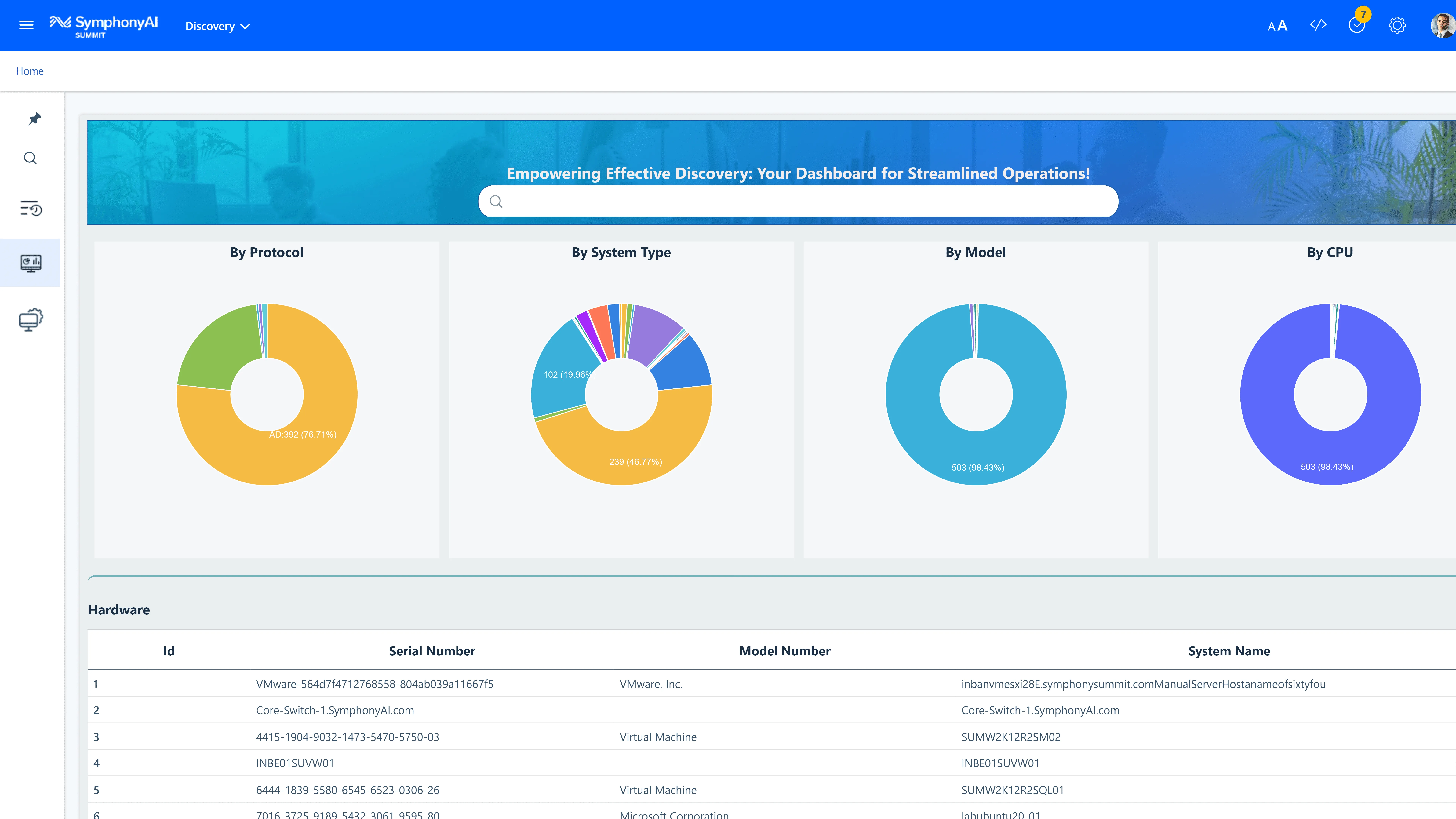
Gain visibility
Make informed decisions by gaining visibility into enterprise service management, asset management, and comprehensive monitoring and management, on cloud or on-premises, across a wide range of platforms, including SAM agent for Windows, SSI agent for infrastructure devices, and support for MAC, Linux, Solaris, and Unix.

Drive automation
With SymphonyAI Discovery, you can collect business impact attributes from a wide range of systems and devices, analyze that data, and create auto-resolution workflows that save time and costs.

Keep businesses secure
Diagnose and remediate outages, minimize the risk of changes, optimize infrastructure spend, and avoid software license compliance penalties.
Key Design Studio features

Collect important attributes from various systems and devices without the need for installing or deploying dedicated software agents.

Gather device attributes by using the HTTP GET protocol to retrieve information from devices.

Process of finding and identifying objects in and Active Directory (AD) domain. This includes finding domain controllers, users, groups, computers and other objects.

SymphonyAI offers cloud discovery in the IaaS including 4 major types of resources:
- Server (virtual machines)
- Database (SQL instances)
- Network equipment
- Storage
Supported Clouds: Azure, AWS, Google, and Oracle.

Proxy server resides in customer infrastructure which collects information about the devices discovered and relays the same to the SymphonyAI application in a secure and consistent manner.

SymphonyAI web server or data collector resides on the web and accepts the data post coming from the proxy server, decrypts, and decompress the data and stores in the respective modules on the application.

Application layer protocol used for monitoring and managing network devices on IP network.

Set of specifications from Microsoft for managing devices and applications in a network from windows computing system.
Explore more platform features
Create workflows and roll out new services at lightning speed. Build inspirational design and personalized experiences that your user will love.

Seamlessly sync with your existing technology stack. Integrate effortlessly with leading enterprise software and platforms, straight out of the box.
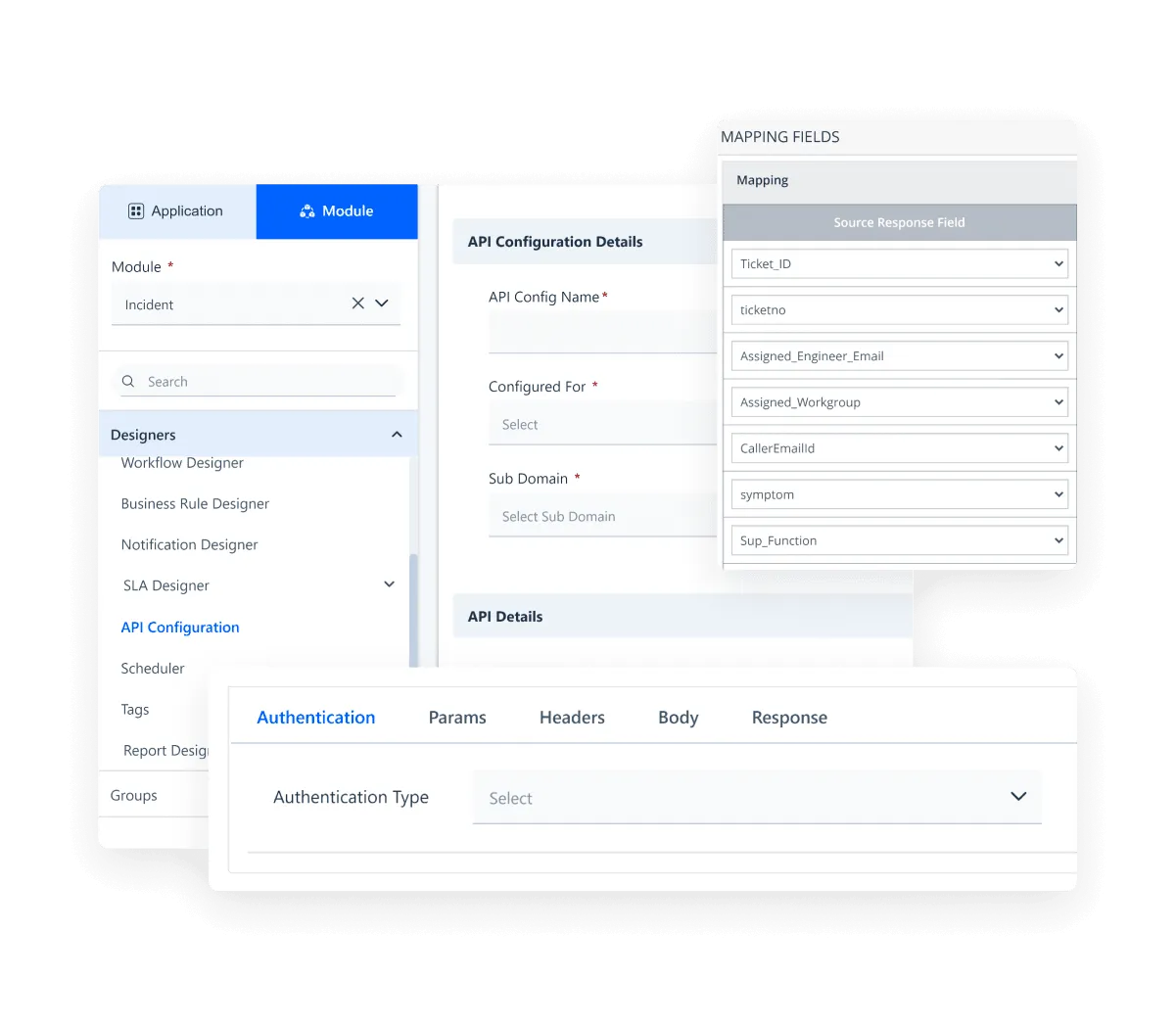
Enjoy the peace of mind that comes with enterprise-grade security compliances.
