Create workflows that deliver great experiences
Create inspirational designs or personalized experiences that your users will love.

Centralize your management
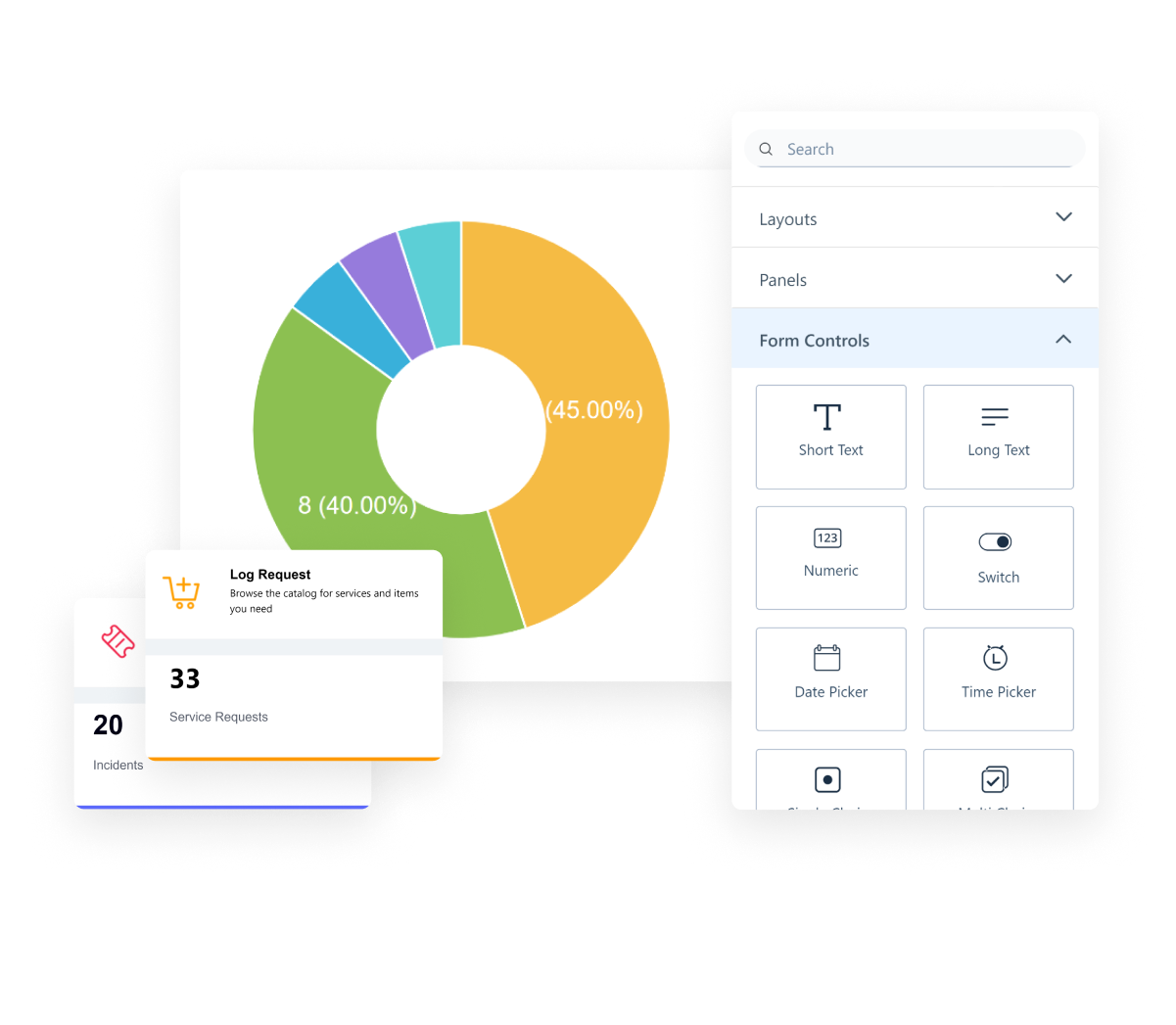
Centralize your management quickly and easily create and manage all workflows, configurations, and applications. Design Studio is the single console to manage enterprise service management and asset management applications. A robust set of designers with built in controls and template span workflows, forms, notifications, SLAs, business rules, and dashboards.

Create workflows effortlessly
With 50+ built-in controls, low-code/no-code, and a plethora of features, you can bring custom unique workflows to life quickly and easily with SymphonyAI Design Studio. The possibilities are endless: forms of any complexity, approval processes, or business rules. Whatever workflow you want to create in, SymphonyAI has what you need to make it exceptional.

Elevate user experiences
Deliver an engaging experience across multiple channels. Consolidate content from various systems into a unified service portal, eliminating the need for users to navigate multiple applications. With SymphonyAI Design Studio, you can craft experiences that truly resonate wow with your users and customers.
Drive tangible business value
Well-designed workflows can resolve service issues that impact your business. With SymphonyAI Design Studio, you can rapidly roll out new services, infuse personalization, and create workflows that drive business growth and success.
Key Design Studio features

Spin up forms of any complexity in minutes, including main, sub, or popover forms. Choose from an extensive library of pre-defined templates and more than 50 built-in controls for the visual appeal and business fit your application needs. Drag and drop action widgets and the 10+ most-used validations give you the power to quickly configure a form, ensuring data integrity.

Reusable notification templates with a simple drag and drop feature, send notifications in your preferred language, preview the notifications in multiple devices before final deployment.

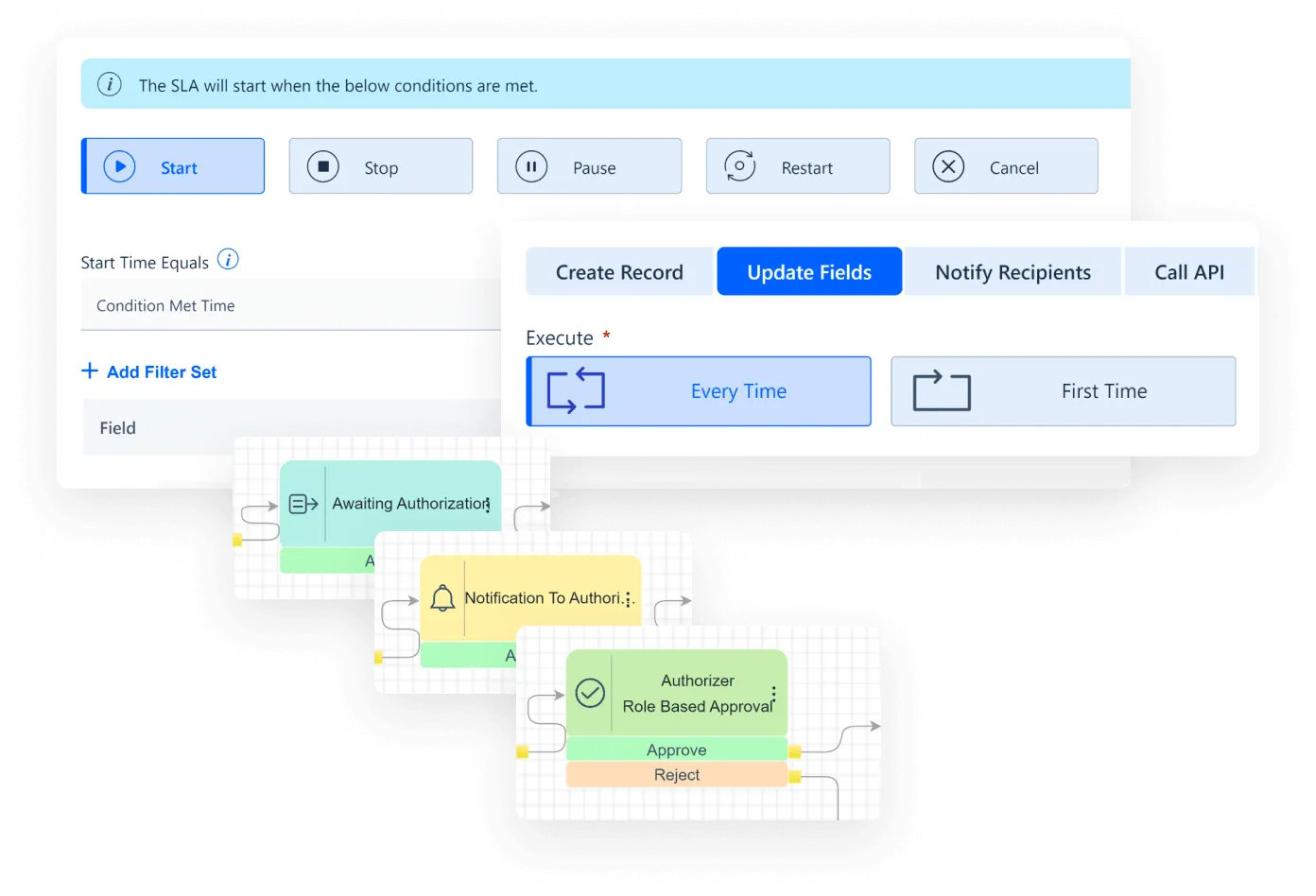
Design any workflow in its modern graphical canvas in a no-code/ low-code approach, accelerate workflow building using 10+ ready-to-use action components, create complex approval workflows with ease with reusable sub flows, spot-fix errors in preview even before it is deployed.

Define the action on meeting certain conditions, which can be updating fields within a form or automating notifications or connecting to external systems by calling the API.

Customized SLA policies based on custom fields, ensure precise control over SLA with start, stop, pause, resume and restart features and avoid SLA breaches, also define your business hours and holidays as per your organization.

Personalized dashboard with multi-utility widgets and metrics by persona, customize service portals through dynamic user criteria based on location, language, and departments. Dashboards allows us to get all the information and metrics we need right on the landing page.
Explore more platform features
Get complete visibility of your IT landscape – on-premises and in the cloud. Discover your IT assets and keep your CMDB and asset registers up-to-date.

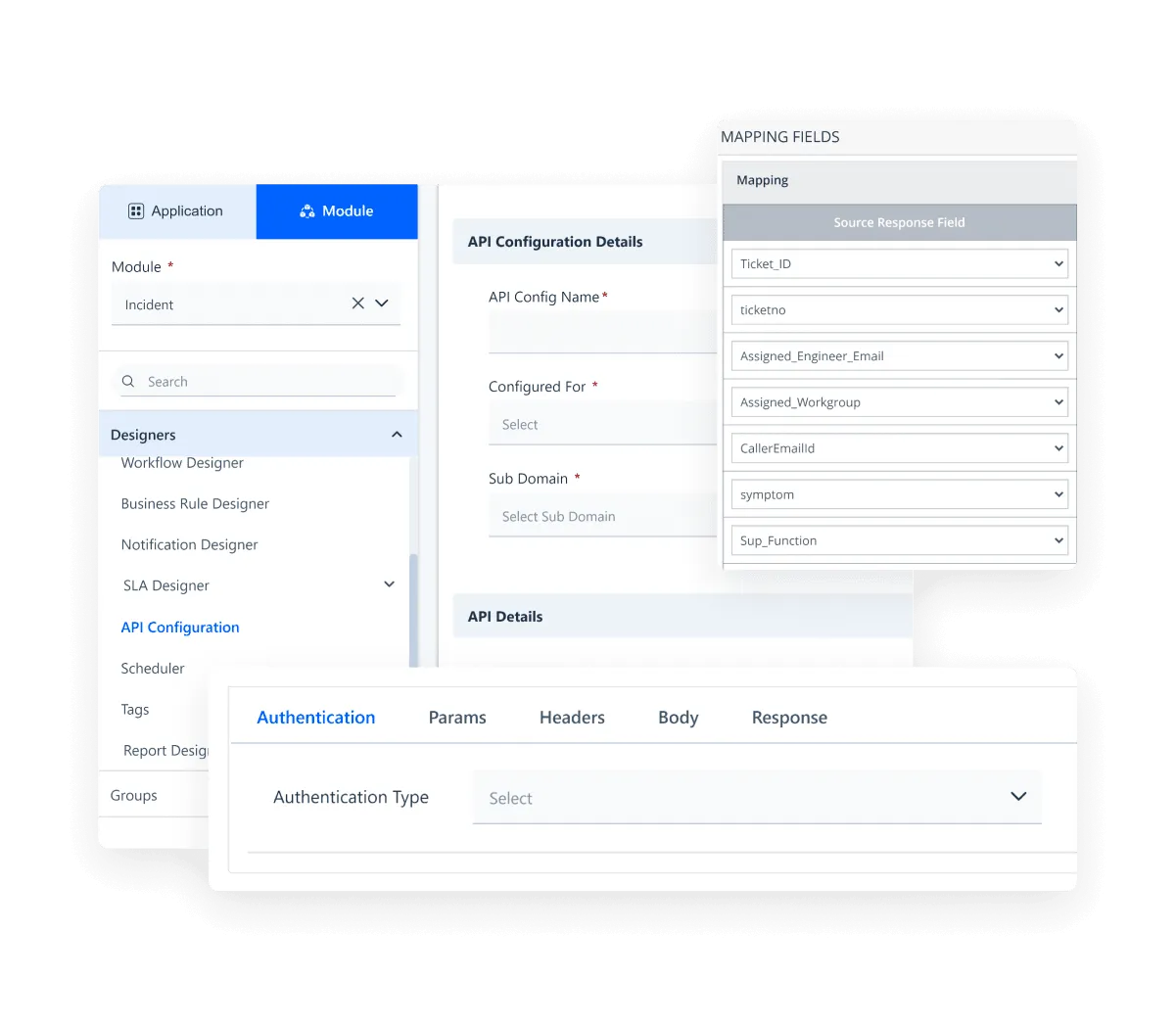
Seamlessly sync with your existing technology stack. Integrate effortlessly with leading enterprise software and platforms, straight out of the box.
Enjoy the peace of mind that comes with enterprise-grade security compliances.
