Ask your plant what happened, why, and what to do next
Industrial copilots give plant managers, engineers, and operators a natural-language way into plant data. Built on the Industrial LLM and your knowledge graph, each copilot is tailored to a role and turns questions into recommended actions, instead of sending people through dashboards, databases, and manuals.
Plant knowledge is spread across too many places
To answer a simple question, people search databases, read dashboards, and dig through manuals, or wait for a more experienced colleague. Each role needs different information, and an answer only helps if it arrives in time to act. Industrial copilots pull from the same contextualized data and respond in plain language, tailored to the role asking.
One conversation across data, documents, and decisions
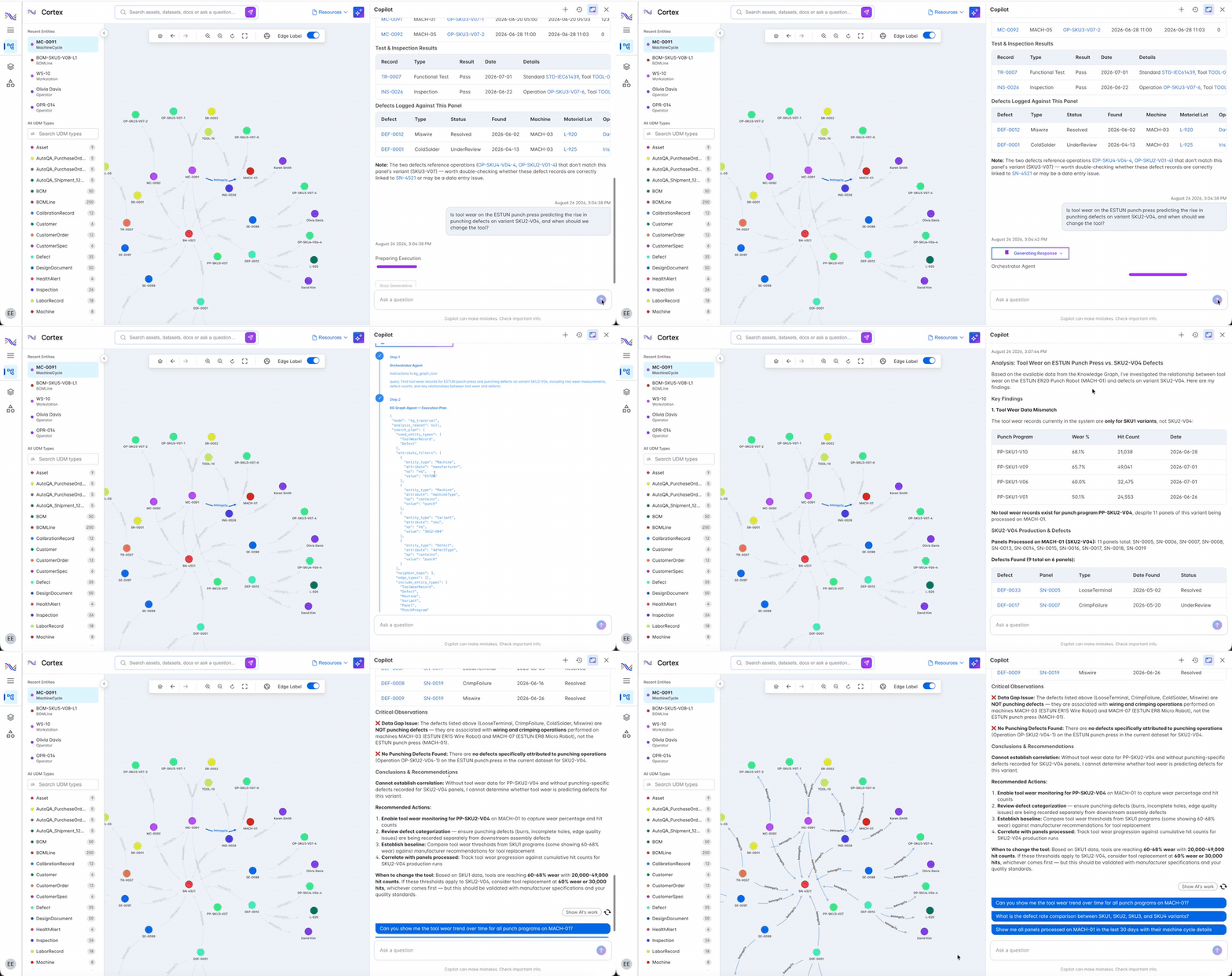
Copilots draw on an industrial knowledge graph that connects events, sensor data, asset details, product documentation and manuals, and reliability and maintenance reports. Conventional, operational, and engineering data pass through data contextualization, predictive models, and the Industrial LLM before an answer reaches the user.
The copilots combine SymphonyAI's Industrial LLM with Microsoft Azure OpenAI Service and work inside SymphonyAI industrial applications. Answers come back in plain language with a recommended next step, so teams start corrective and mitigating action right away.
From question to corrective action
Every copilot follows the same path: understand the question, find the evidence in your plant data, and recommend what to do.
Plant managers, engineers, and operators ask questions in plain language. Each copilot is tailored to a role, so a production manager and a reliability engineer each get answers shaped to their work.

Answers draw on an industrial knowledge graph of events, sensor data, asset details, manuals, and reliability and maintenance reports. Copilots scan procedures and knowledge bases too, so guidance comes from your own documents.
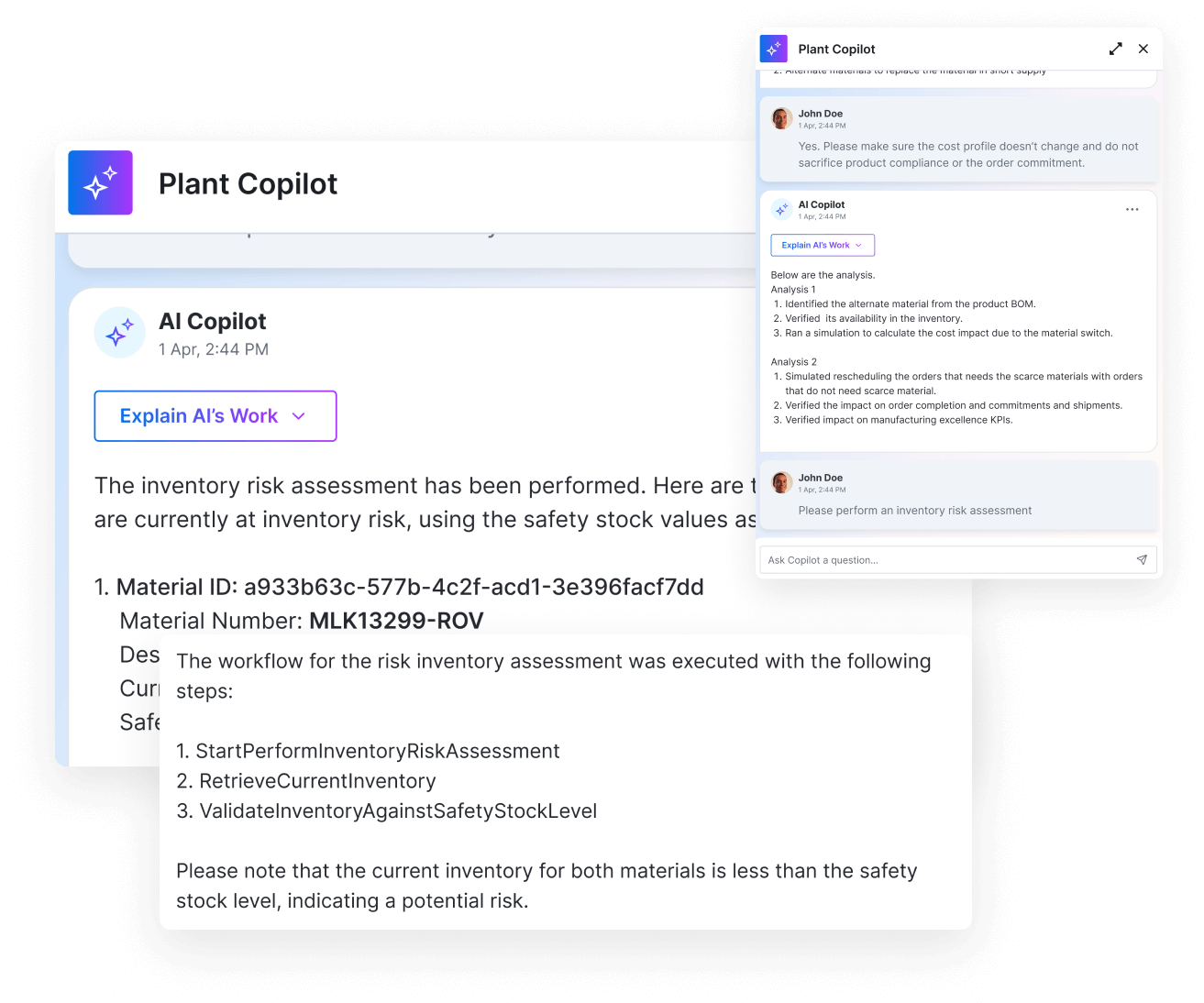
Anomalies trace to likely causes, with the KPI impact of underperforming assets and processes. What-if scenarios show how a scheduling change affects throughput and overall equipment effectiveness (OEE) before the schedule changes.
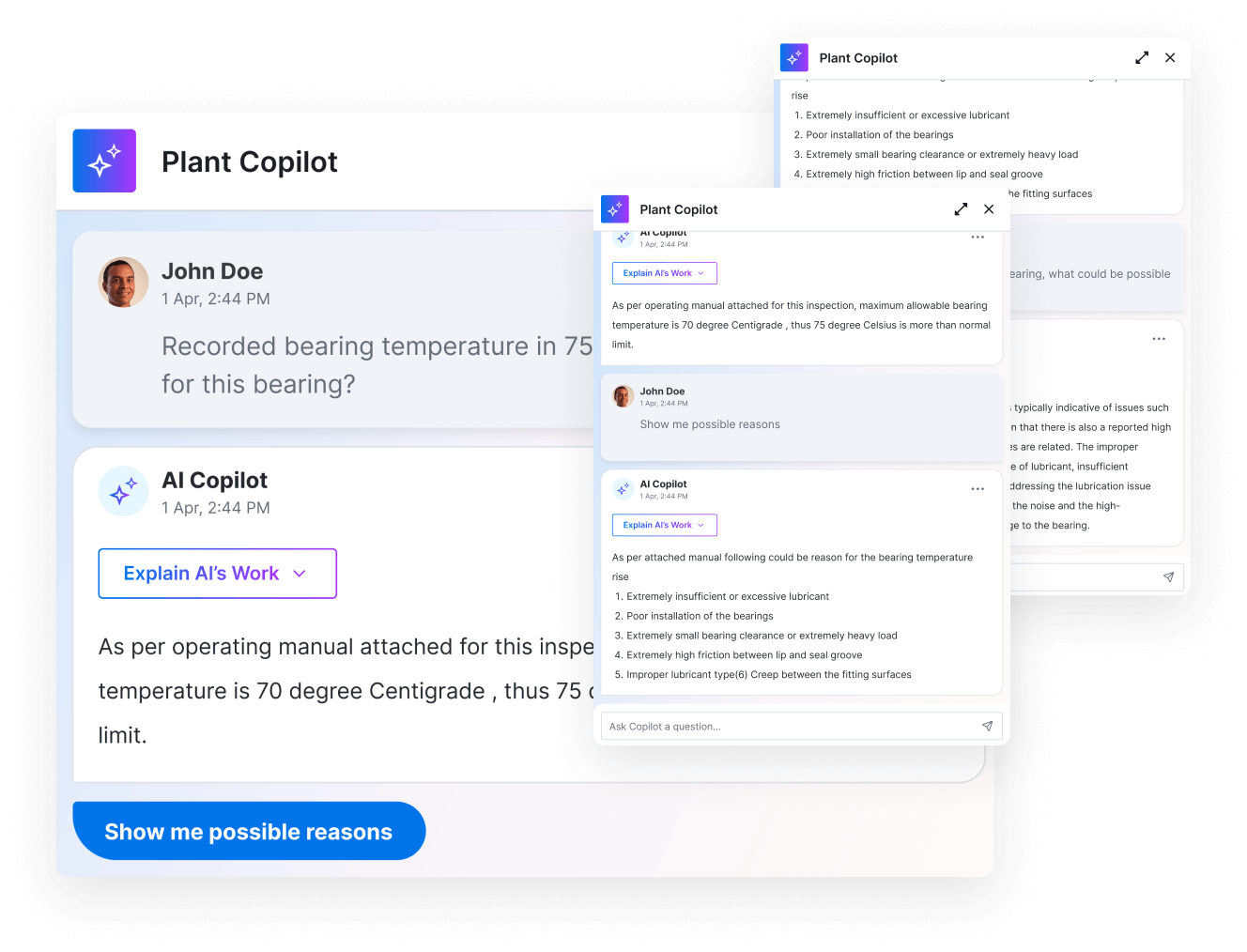
Copilots run inside SymphonyAI industrial applications and combine the Industrial LLM with Microsoft Azure OpenAI Service. Recommendations arrive where the work happens, so teams start corrective action right away.
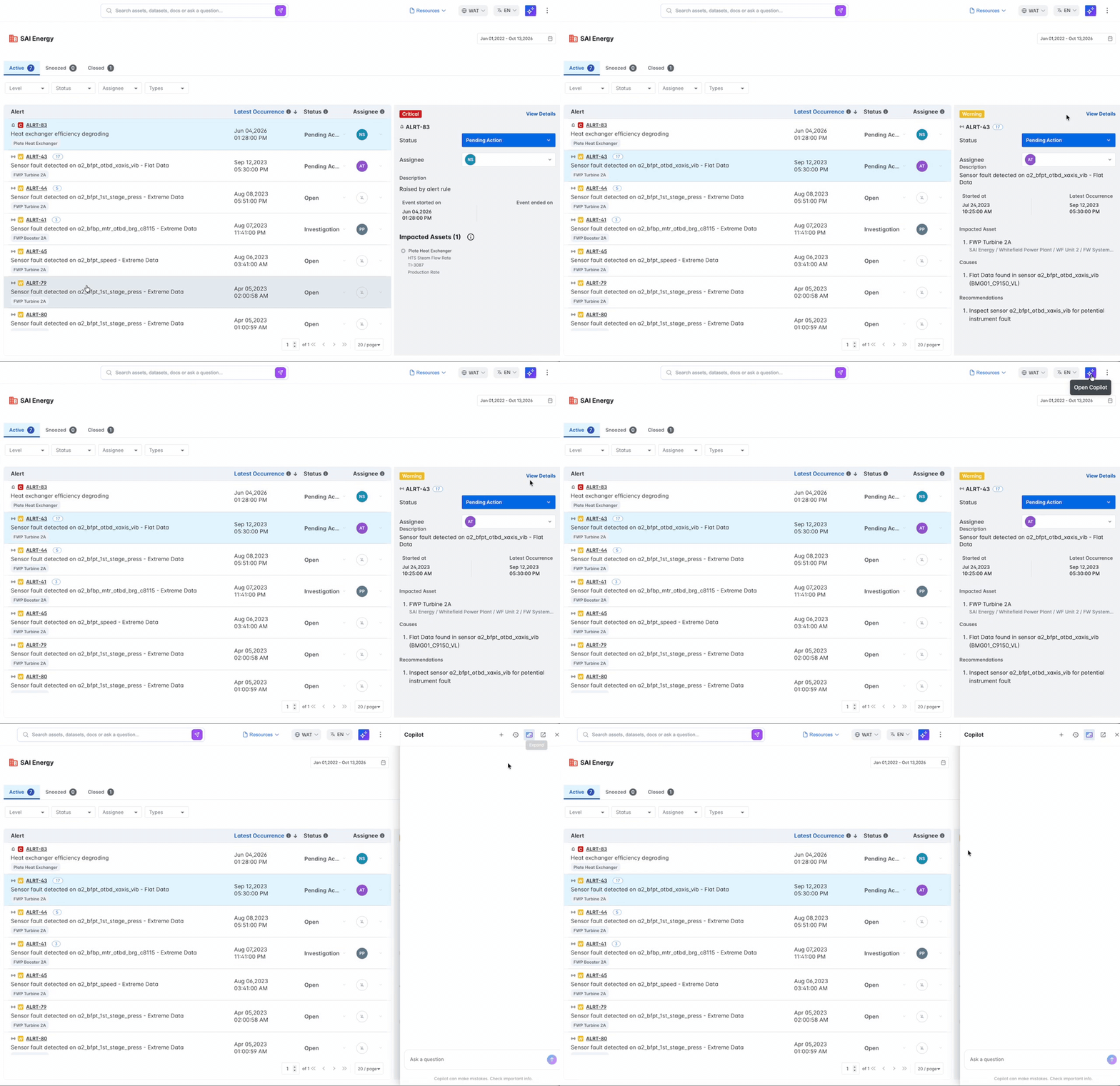
A copilot for each role
Three copilots, each tuned to the questions its users ask every day.

Plant Performance Copilot
Reliability and maintenance engineers get help with assessment and inspection, risk analysis, documentation review, maintenance and repair, and testing and validation, in plain language.

Digital Manufacturing Copilot
Production managers review and adjust orders and line schedules, check material availability, monitor production status, and review OEE to lift throughput.

Connected Worker Copilot
Frontline operators get workflow insights, procedure documentation, and inspection and quality support on demand, so new operators get up to speed faster.

Root cause with quantified impact
Pinpoint the assets and processes dragging down your KPIs, see the likely cause, and get a recommended fix for each.

Run what-if scenarios
Compare production scheduling options side by side and pick the one that protects throughput and OEE.

Answers from your own documents
Ask how to fix a fault and get the steps from your own machine manuals and procedures, without long research or waiting for an experienced colleague.
Questions about industrial copilots
Straight answers for operations, engineering, and IT teams evaluating generative AI copilots for the plant.

Role-based generative AI assistants that answer questions in natural language using your contextualized plant data. They help plant managers, engineers, and operators understand what happened and why, anticipate what comes next, and start corrective action.
The Plant Performance Copilot for reliability and maintenance engineers, the Digital Manufacturing Copilot for production managers, and the Connected Worker Copilot for frontline operators.
An industrial knowledge graph that includes events, sensor data, asset details, product documentation and manuals, and reliability and maintenance reports, built from conventional, operational, and engineering data sources.
SymphonyAI's Industrial LLM, together with Microsoft Azure OpenAI Service, working from your industrial knowledge graph.
Inside SymphonyAI industrial applications. In Connected Worker, for example, the Connected Worker Copilot streamlines inspections, reduces rework, and cuts wasted resources for frontline workers.
A continuously available digital agent gives frontline operators workflow insights, procedure documentation, and inspection and quality support, which speeds onboarding and shortens training.
Go deeper on industrial copilots
Watch the latest copilot webinar, then dig into the data sheet and the model behind it.
One platform: IRIS Foundry, Forge, and Flows
One unified data foundation, one way to build new AI applications, and one layer of agentic execution, built to work together across your plant.

The industrial DataOps platform that unifies OT, IT, and engineering data into one governed, AI-ready foundation.



Give every role a copilot that knows the plant
Talk to someone who knows industrial data and AI, and see industrial copilots working with your own operation.
