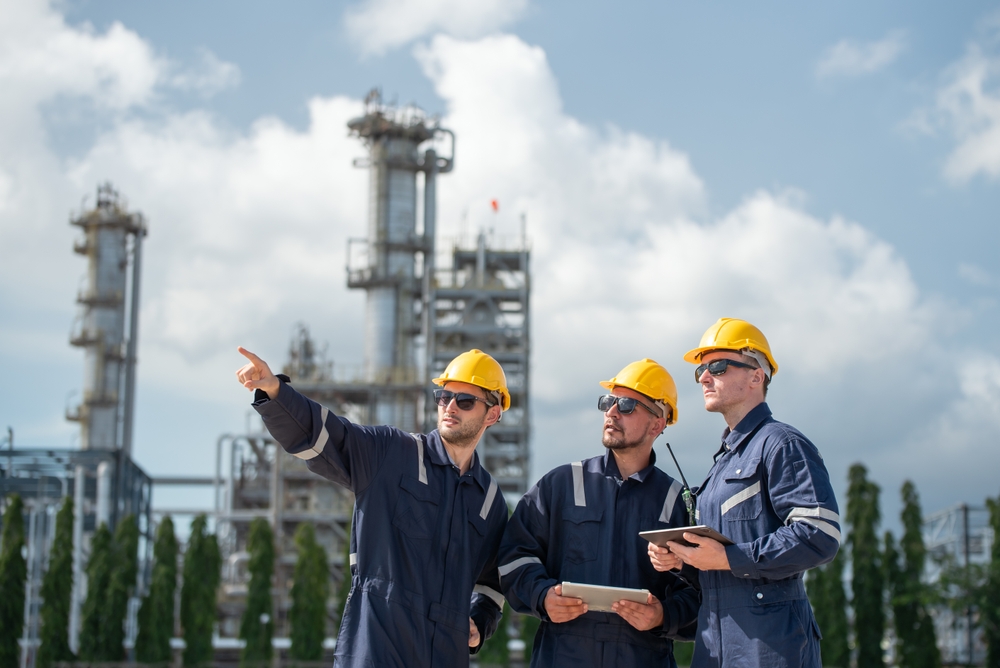
From wellhead to refinery: AI that keeps oil and gas running
Remote sites, aging infrastructure, and volatile margins leave no room for generic AI that needs months to learn your operation. IRIS Foundry arrives pre-trained on oil and gas, connecting SCADA, historians, ERP, and engineering systems, so your team gets from raw signal to corrective action in weeks, not quarters.
AI-powered solutions built for every operation in oil and gas
Generic AI wasn't built for the scale of a refinery turnaround, the remoteness of an upstream field, or the volatility of a crack spread. IRIS Foundry closes that gap with domain intelligence built around upstream, midstream, and downstream operations, so insight doesn't wait for a data science team to catch up.
Browse oil and gas appsWhere oil and gas operations lose time, barrels, and margin
From upstream field operations to downstream refining, IRIS Foundry addresses the real operational pressures across oil and gas.

Process safety and HSSE
Monitor safety-critical conditions across the field and the plant in real time, catching health, safety, security, and environment (HSSE) events before they escalate into incidents.

Asset reliability for critical rotating equipment
Predict failures on compressors, pumps, turbines, and heat exchangers before they force an unplanned shutdown or a safety event.

Fragmented field and plant data
IRIS Foundry unifies SCADA, historians, ERP, and engineering data into one governed, real-time view, replacing the manual reconciliation that slows root cause analysis.

Disconnected shift handover and field work
Digital shift handover, GPS-guided field rounds, and integrated permit to work replace the paper and radio processes that let critical information get lost every shift.

Refining yield and throughput variability
Catch deviations against target yield, product mix, and throughput in real time, using AI models trained on your process data, not generic defect libraries.

Emissions and flaring exposure
Track flaring, methane leaks, and Scope 1 and 2 emissions alongside production data, so sustainability reporting doesn't run on a separate spreadsheet.
AI outcomes in production, not in demos
Typical time to first production value with IRIS Foundry, versus 12–24 months for build-your-own approaches.
Pre-built industrial agents included with IRIS Foundry and IRIS Flows, ready to deploy across upstream, midstream, and downstream operations.
Use cases across oil and gas operations
From predictive maintenance to agentic operations, IRIS Foundry, Forge, and Flows apply one unified data foundation to the use cases that matter most in the field and the plant.
.svg)
Predictive asset intelligence
Predict failures on compressors, pumps, and rotating equipment with remaining-useful-life modeling, and automate maintenance dispatch before assets fail.

Refinery performance and yield optimization
Monitor throughput, product mix, and yield in real time, and get closed-loop advisories that improve refinery performance without added headcount.

Digital shift handover and field operations
Capture shift handover with voice-to-text, guide field rounds with GPS, and coordinate permit to work and simultaneous operations (SIMOPS) conflict checks from a single dashboard.

Safety and HSSE monitoring
Monitor safety operating envelopes across the field and the plant, log near misses for HSSE reporting, and automate compliance documentation.

Emissions and sustainability intelligence
Track flaring, methane leaks, and Scope 1 and 2 emissions, and manage energy use across compression and processing operations.

Industrial DataOps
Unify OT and IT data across upstream, midstream, and downstream sites into a single namespace with 100+ connectors, and build a Cortex graph purpose-built for oil and gas operations.

Agentic operations with IRIS Flows
Run autonomous agents from anomaly to root cause to work order, auto-respond to safety deviations, and coordinate multi-agent maintenance scheduling with a human always in the loop.

AI copilot for field and plant operations
Ask natural-language questions over field and plant data, generate executive summaries and work orders, and search permits and procedures instantly.

Resources for oil and gas teams
Videos, articles, and data sheets built for oil and gas operations.
One platform: IRIS Foundry, Forge, and Flows
One unified data foundation, one way to build new AI applications, and one layer of agentic execution, built to work together across your plant.

The industrial DataOps platform that unifies SCADA, historians, ERP, and engineering data into one governed, AI-ready foundation.



See how IRIS Foundry performs in your oil and gas environment
Talk to an expert who knows oil and gas, not just industrial AI.